TikTok Viewer
Profiles, videos & comments.
Explore public TikTok profiles, video details, comments and replies. Choose a viewer above, or paste a video link to view comments. Sign in to export comments as CSV, Excel, Word, PDF or TXT.
Import extension capture
Choose a JSON file or paste the result copied by the extension. Import replaces the current results.
See the actual results
Real product screenshots from a public TikTok video.
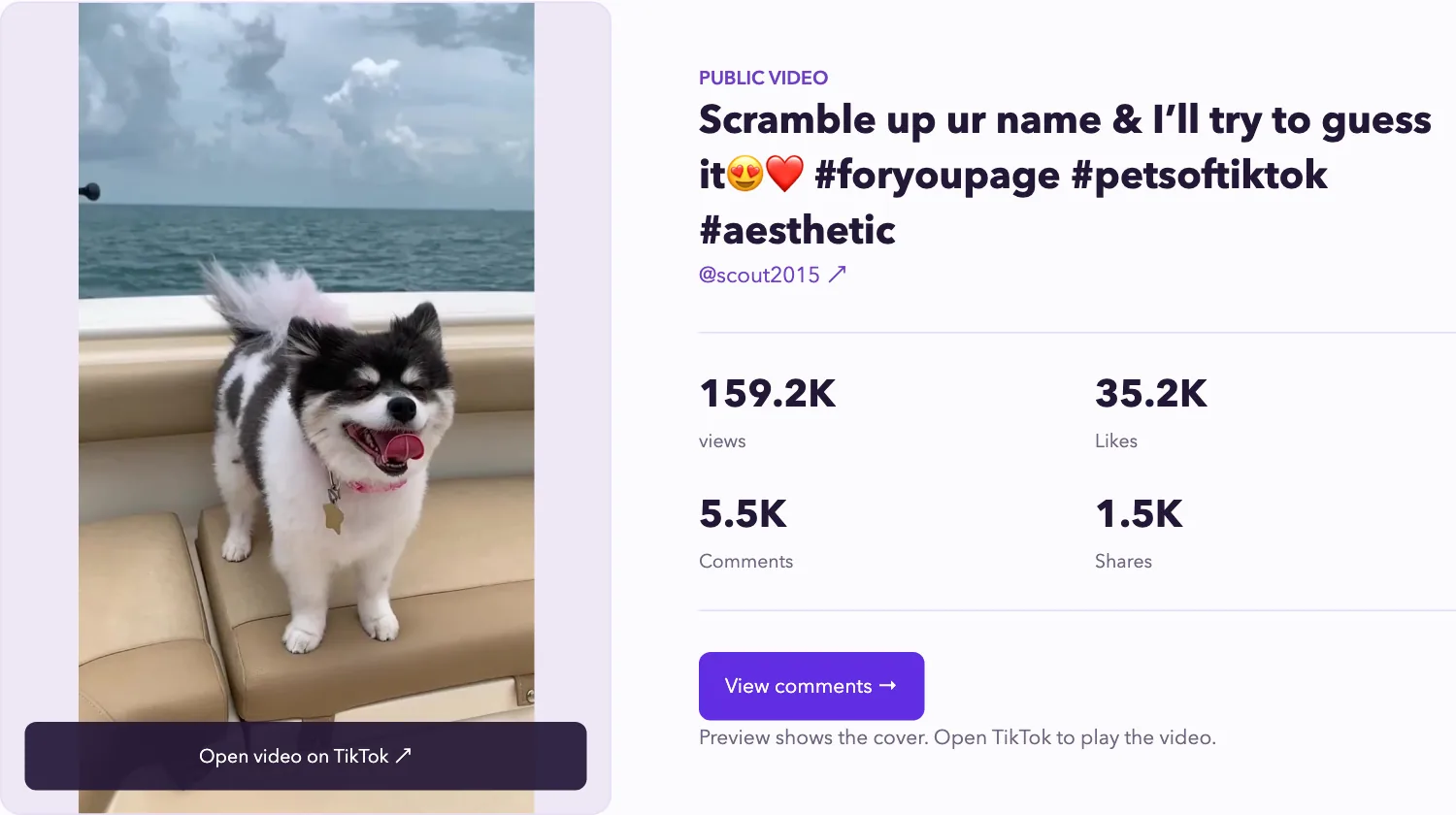
Video preview
Submit a link to load the creator, description, views, and likes.
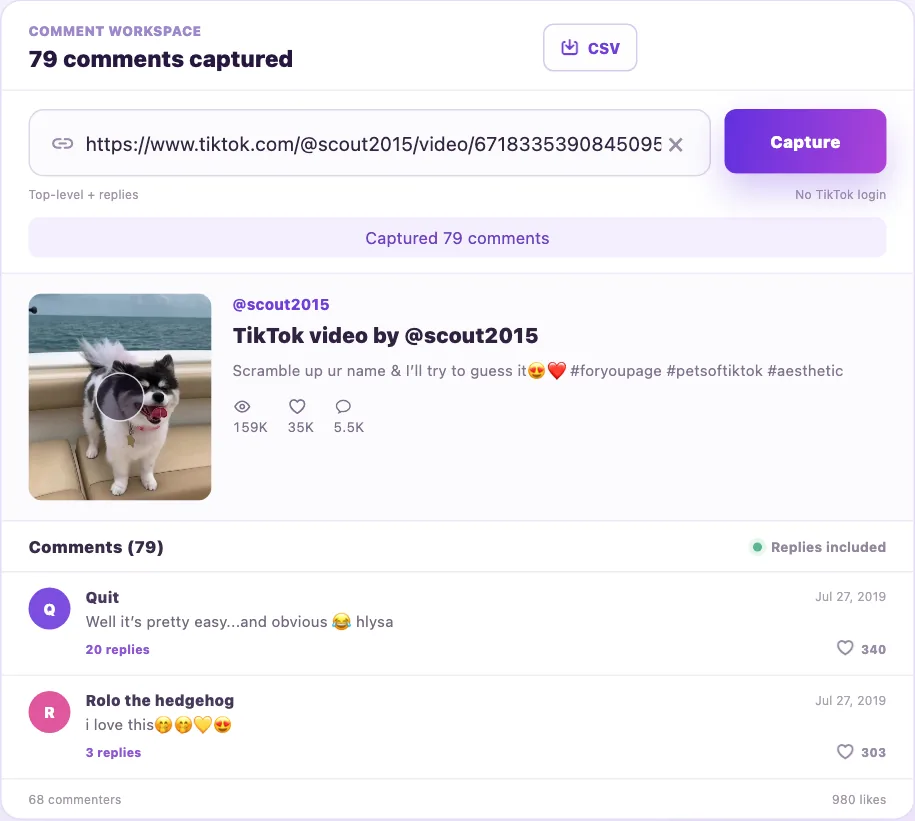
Read the conversation
Browse captured comments here before exporting.
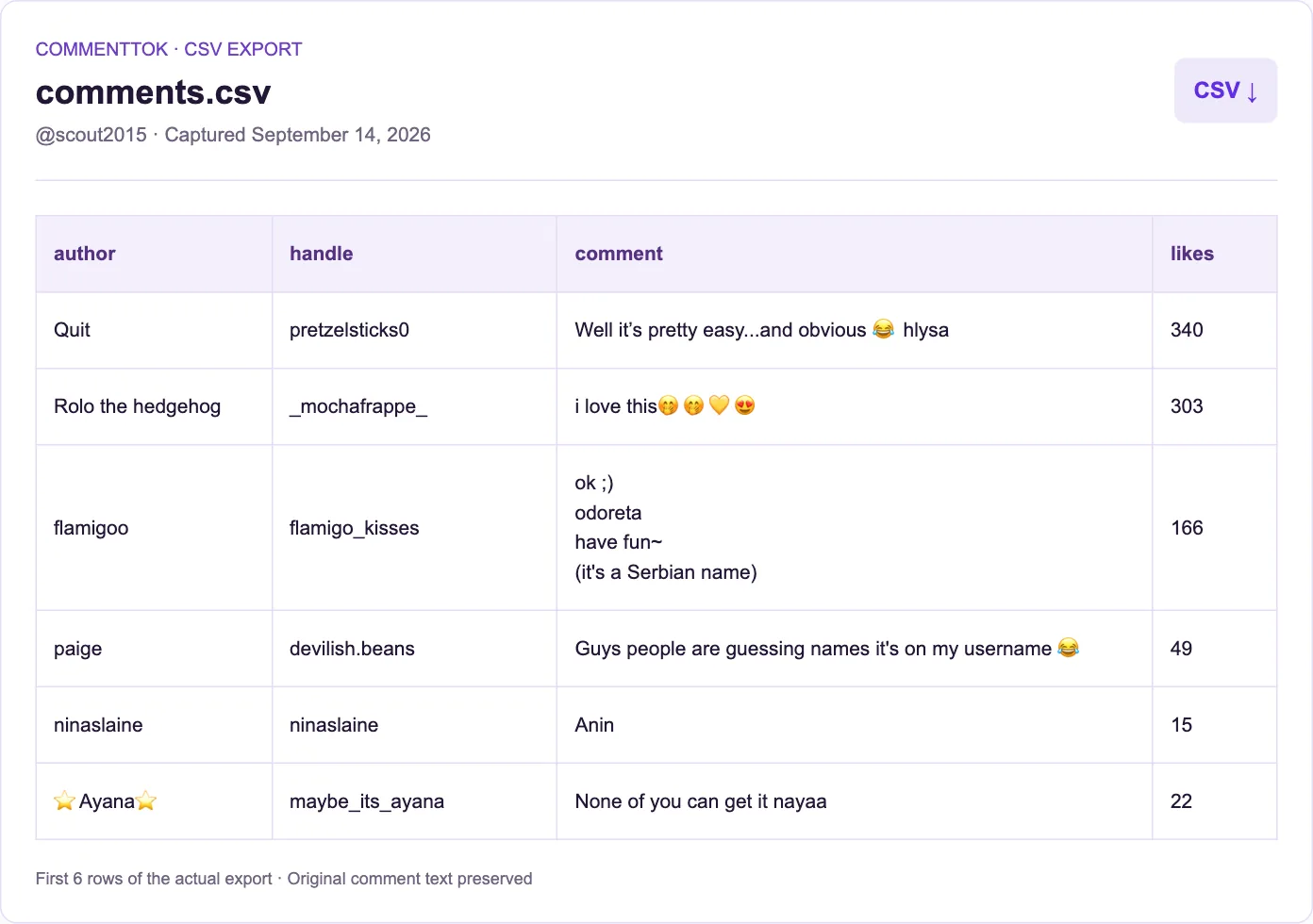
Choose your export format
Review your results, choose CSV, Excel, Word, PDF or TXT, then sign in to export.
Captured September 14, 2026 · English interface · Sample results View source video ↗
From one link to a
useful comment sheet.
Collect comments, expand replies, review engagement, and export from one workspace.
Fast comment capture
Paste a link to collect public comments for content and sentiment review.
Open workspaceReply threads
CSV exports preserve comment IDs and reply relationships when provided by the source. Extension imports may lack these fields.
Open workspaceExport in five formats
Use CSV or Excel for analysis, Word for editing, PDF for sharing, and TXT for plain text.
Open workspaceAccount and video overview
Review video metrics and commenters together to understand discussion quality.
Open workspacePublic data first
Process public content only. Credentials are never stored and exports stay yours.
Open workspaceChrome extension import
When the API is limited, import captured results from the browser extension.
Open workspace
Read the conversation
Browse captured comments here before exporting.
Your comments will appear here
Paste a video link above to load its public discussion.
Capture comments