TikTok Stories vs Highlights: What a Viewer Can Show
TikTok Stories and Highlights can contain similar photos or videos, but they have different visibility rules. TikTok describes ordinary Stories as visible for 24 hours and Highlights as selected Stories saved to a profile so they remain visible longer. A viewer's support for current Stories does not automatically establish Highlight support.
Key Takeaways
- The ordinary Story visibility window is 24 hours according to TikTok.
- Creators can save selected Stories as Highlights that remain visible longer.
- Highlights retain the original Story's audience visibility settings.
- Story playback, Highlight retrieval and expired-Story recovery must be verified separately.
Compare the content types before choosing a viewer
TikTok's official Stories help article describes both ordinary Stories and Highlights. Our retained October 11, 2026 source rendered in Chinese; the descriptions here paraphrase that captured documentation in English.
| Content type | What the official explanation establishes | What a viewer must demonstrate |
|---|---|---|
| Ordinary Story | A photo or video visible for 24 hours | The creator's currently available Story media loads |
| Highlight | Selected Stories can remain visible longer on the profile | A correctly identified saved Highlight loads |
| Regular post | A separate content workflow from Story viewing | The tool identifies the result as a post rather than a Story |
| Downloaded copy | A copy may exist outside the original viewing surface | Provenance and permission; not proof of continuing source availability |
The similarity of the media can be misleading. A portrait video is not automatically a Story. A saved item with an old timestamp is not automatically evidence that a tool can recover expired content. First identify how TikTok presents the item and how the viewer labels its result.
What the 24-hour window actually tells you
The documented window describes ordinary Story visibility. It does not establish that every piece of content originally shared as a Story becomes inaccessible in every form at the same moment. A creator may have retained selected content as a Highlight.
That distinction matters when checking a service claim. If a viewer shows an older Highlight, the useful claim is that it retrieved a saved Highlight. Describing the same result as “recovering deleted or expired Stories” would require additional evidence.
The visibility window also should not be used to invent a rule about all internal records. Public availability, owner-side viewing records and copies that a creator retains are different subjects. Our source does not establish a matching deletion timetable for every record.
Highlights do not bypass the audience setting
The official article says a Highlight's visibility follows the original Story's audience settings. Saving an item as a Highlight should therefore not be treated as proof that previously restricted content has become public.
A public username input grants no additional access. If an item is restricted, a public viewer cannot legitimately claim access merely because it appears under a different content label. Use the viewing permissions TikTok makes available to you.
For the separate question of viewer identities, see whether someone can see that you viewed their TikTok Story. That article discusses documented owner-side records; it does not establish Highlight-specific anonymity.
How to verify a viewer's Highlight claim
Use a saved Highlight that is visibly available to you on the original creator's profile. Record the creator, date of your check and the content you expect. Then compare the tool's result with that source.
- Confirm the exact creator rather than relying only on a display name.
- Identify the item as a saved Highlight on the source interface.
- Ask whether the tool explicitly supports Highlights or only ordinary Stories.
- Check that the returned video plays or the photo displays.
- Record any source or media error without turning it into a claim that the creator has no Highlights.
These are evaluation steps, not a completed benchmark. Do not use a regular post as the reference item for a Highlight test, and do not generalize one successful sample into all-account reliability.
What TokViewer has verified so far
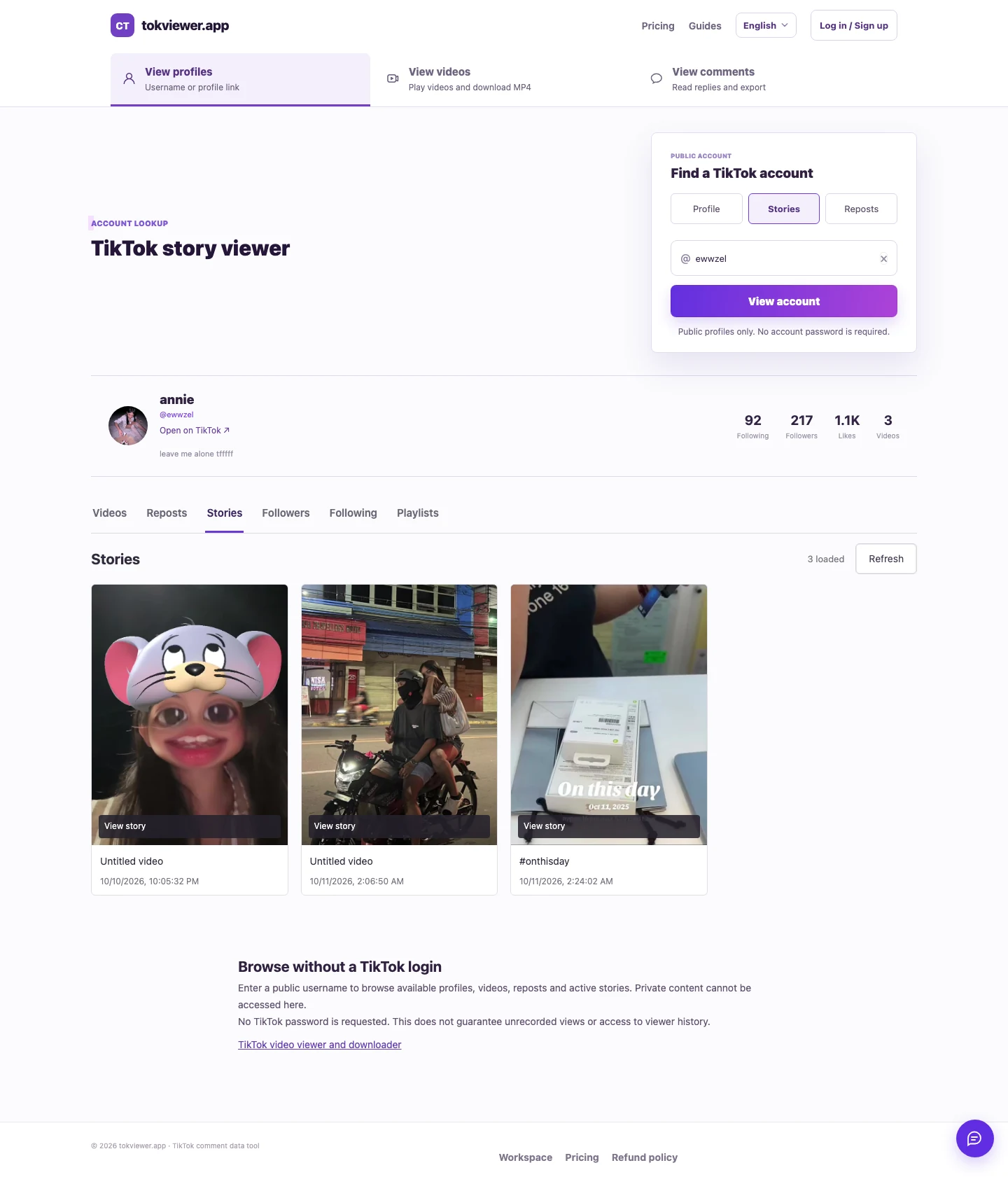
Our October 11 production checks verified four public Story videos and two Story photos across ewwzel and ddylaar. This establishes a dated ordinary-Story viewing result. It does not establish a released TokViewer Highlight feature or recovery of expired Stories.
The main Story Viewer guide retains those results and their limits. If you try the same accounts later, their ordinary Stories may have changed or expired. That is why a content-type label and a recorded test time are more useful than a permanent-looking example count.
Which workflow should you use?
For a creator's available public Story, start with the current Stories lookup. For a saved Highlight, check its availability on TikTok and verify that any proposed tool supports that specific content type. For an expired item that is not publicly retained, this guide provides no recovery method.
Choose based on the exact content you need. A successful result should show the right creator, the right type of media and a working display—not merely a profile summary or a promise to retrieve anything.