TikTok Story Viewer by Username: Find the Right Account
You have the creator's name, but three similar profiles appear. Before opening a TikTok Story viewer, check the exact public handle. A display name is not a substitute: similar names can lead you to the wrong profile, and finding a profile does not guarantee that a current Story is available. TokViewer accepts a public username or profile link and provides a separate Stories section for the content result.

Key Takeaways
- Copy the exact username from the creator's profile.
- A profile link identifies an account; a regular video link identifies different content.
- Confirm the returned account before opening its Stories.
- An available Story must actually play or display; profile details alone are insufficient.
TikTok username search: start with the right identifier
Start your TikTok username lookup with the exact username or profile link. A creator's display name may change and need not uniquely identify them. A username or profile link is more useful for locating the intended account.
| Input you have | How to use it | What to avoid assuming |
|---|---|---|
| Exact username | Submit it to the public account lookup | That a matching account must have an active Story |
| TikTok profile link | Use it to identify the public creator | That it refers to a specific current Story |
| Display name only | First confirm the creator's exact username | That the first similar name is the right account |
| Regular video link | Use the regular-video workflow | That the linked post is a Story |
This is an account lookup guide, not a description of support for every form of shared link. If the input cannot identify the intended profile, correct it before diagnosing Story availability.
Step 1: Copy the exact public handle
Open the creator's profile on TikTok and copy the username or profile link. Compare the spelling, not just an avatar. If someone has sent a screenshot, confirm that it shows the handle rather than only the display name.
Avoid trying multiple similar accounts and treating the first result as a match. Check the spelling before trying again; public content can change while you compare results.
The examples from our October 11, 2026 production checks were ewwzel and ddylaar. They identify dated samples; neither is a permanent demonstration account or an endorsement of TokViewer.
Step 2: Open the TikTok Story viewer and select Stories
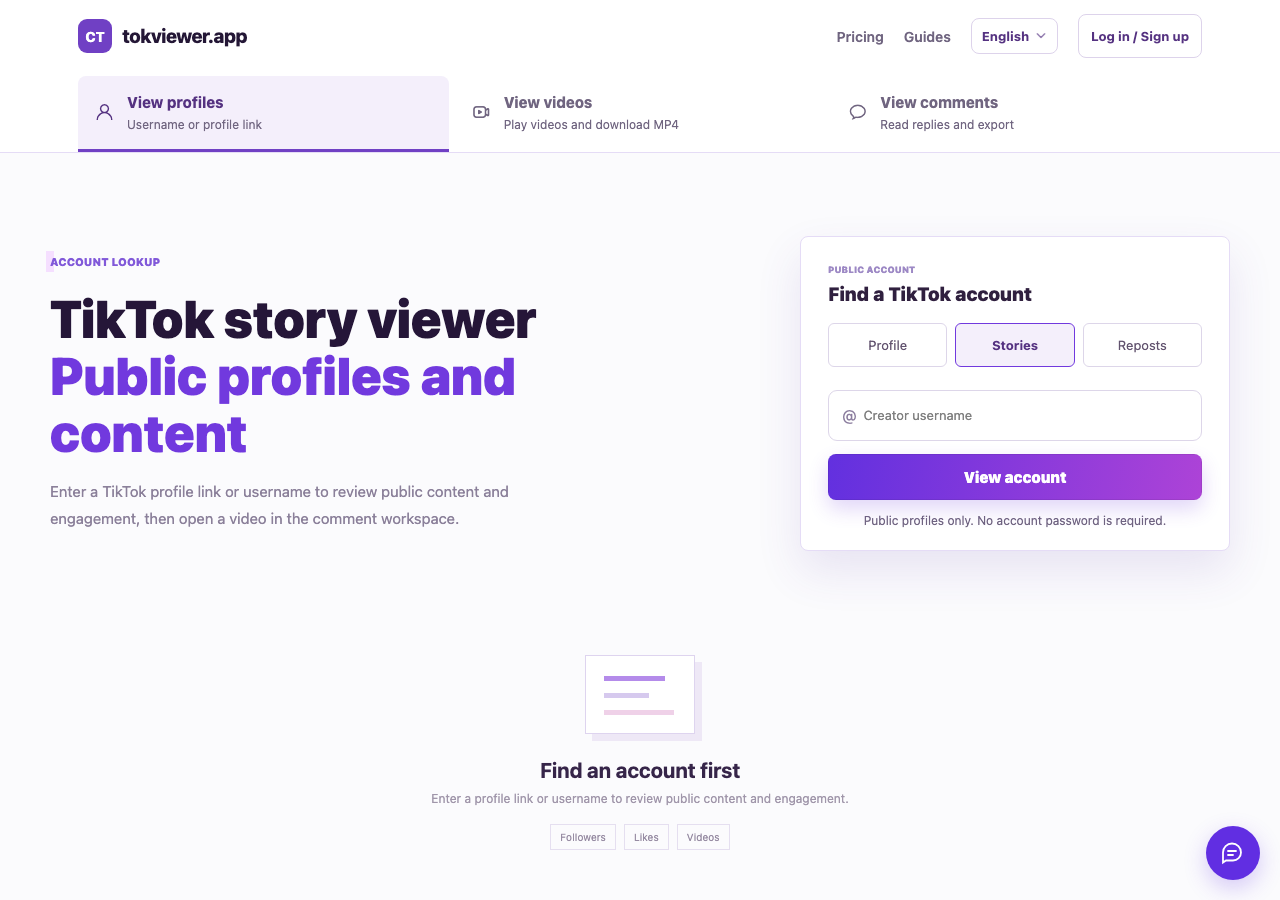
For a TikTok username search without the app, open TokViewer's account lookup with Stories selected. Enter the public username or profile link. If the account page is already displaying another content section, select Stories before evaluating the result.
Check the returned handle. A display name or avatar can help you spot a mistake, but the exact account identifier is the stronger comparison. If account details fail to load, check the username before troubleshooting Stories.
For the broader no-login workflow, see viewing TikTok Stories without an account. This guide's narrower goal is to help you identify the right creator and input type.
Step 3: Verify the actual Story result
Open a returned item and check the media. A photo should display, and a video should play with advancing playback time. A profile summary, follower count or grid of regular posts is not enough to establish successful Story retrieval.
Our production browser test on October 11 played three Story videos from ewwzel and one from ddylaar, and displayed two photos from ddylaar. Those results demonstrate a small working sample. They do not promise that the same items remain available when you read this guide.
The Story Viewer guide records the tested capability and separates it from private-content access, downloads and creator-side anonymity. Keep those claims separate when comparing tools.
What if the correct account has no results?
Check the same account on TikTok at the time of your lookup. TikTok's official help article describes ordinary Stories as visible for 24 hours. A creator may have no currently available Story, or an older item may be a saved Highlight rather than an ordinary Story.
An empty result means the request returned no Story items. An error message means the lookup failed. These outcomes cannot be used interchangeably, and neither should be used to infer private activity.
If cards appear but a video will not play, record a media failure separately from account lookup. Keep the account, time and exact error in your notes. Do not include TikTok passwords or login cookies in a support report.
Frequently asked questions
Can I find Stories using only someone's display name?
First confirm the exact username. This guide does not establish a general display-name search feature, and a similar display name can point to a different creator.
Can a username unlock a private account's Stories?
No private-content capability is established here. A public lookup identifier does not grant access to restricted media.
Does a profile link always open a particular Story?
A profile link identifies the account. Story availability and the selection of a particular item are separate steps. Do not treat a general profile link as a permanent link to one Story.
Can you view TikTok Story anonymously?
TikTok documents that creators can see the accounts that viewed their Stories. An anonymous TikTok Story viewer may load public media without a login, but that alone does not establish what the creator can see. Whether a tool calls itself a “TikTok Story viewer anonymous” service or a “TikTok Story anonymous viewer,” check what its privacy claim actually covers. Our October 11 test verified media loading without supplied TikTok credentials, not the creator-side viewing outcome. See the Story view visibility explanation before relying on an anonymity claim.
A TikTok anonymous Story viewer should explain whether “anonymous” means no account is required or whether creator-side visibility has actually been tested. Those are different claims.
Start with the exact handle in TokViewer’s Story viewer. For a broader account check, follow the TikTok username search guide.
Photo credit: Christian Ferrer — Sunset on the Aresquiers beach, CC BY 4.0, cropped.
