TikTok Viewer Without an App: What You Can View
A TikTok viewer without an app can help you inspect an available public profile, play an available public video or read its available comments in a browser. TokViewer now supports public-video playback and MP4 downloads when its source provides usable media. Profile lookup, playback and comment capture remain separate tasks; one successful result does not establish that another will work.

Start with what you need to see, then choose the appropriate route. A username is useful for account lookup. A video link identifies one post and its discussion. Neither a successful profile lookup nor a visible video cover proves that the video will play in your browser.
Key Takeaways
- Installing the app, signing into TikTok and signing into a separate viewer are three different requirements.
- TokViewer can play and download available public-video media; a cover alone still does not prove playback.
- Available comments can be read without workspace sign-in; exporting requires sign-in.
- A loading failure or empty result does not prove the original content is absent.
Choose the result you need
The phrase "TikTok viewer" covers several workflows. Choosing a route by its actual output avoids landing on an account page when you need a specific video or expecting a playable video from an image preview.
| Your task | Starting information | What to check |
|---|---|---|
| Inspect a public account | Exact username or profile URL | Returned handle and original profile link |
| Preview one video | Full video link or supported shared link | Creator, cover, description and returned metrics |
| Watch one video | Link to its original TikTok page | Whether playback starts and progresses |
| Read a discussion | Link to that public video | Returned comments, replies and capture status |
Begin at TokViewer with your source ready. For an account, use account lookup. For a discussion, use the comment workspace. If your goal is playback, submit the video link and verify that the player actually advances. When media is unavailable, compare the original video on TikTok.
Without an app is different from without an account
"Without an app" describes the device workflow: you are using a browser rather than installing TikTok. "Without an account" describes whether the service asks you to sign in. A browser can still contain an existing TikTok session, so an apparently effortless result may depend on that session.
There is also the viewer's own account. Reading available public comments in TokViewer and exporting them have different requirements. Export prompts for workspace sign-in; it does not follow that a person must sign into TikTok just to attempt a public comment capture.
None of these phrases establishes anonymity. If your concern is what a creator can see, separate login requirements from viewing-history behavior and verify the relevant viewing feature independently.
Check a video link before expecting playback
A full TikTok video URL normally includes an account handle, /video/ and a video ID. A profile URL identifies an account rather than a specific post. Shared short links need to resolve before the viewer can identify the intended video; a redirect failure can therefore prevent a result even when you copied the link correctly.
In the current TokViewer video page, paste the link and choose View video. Compare any returned creator, description and original link with the post you meant to inspect. A missing metric is unknown, not zero.
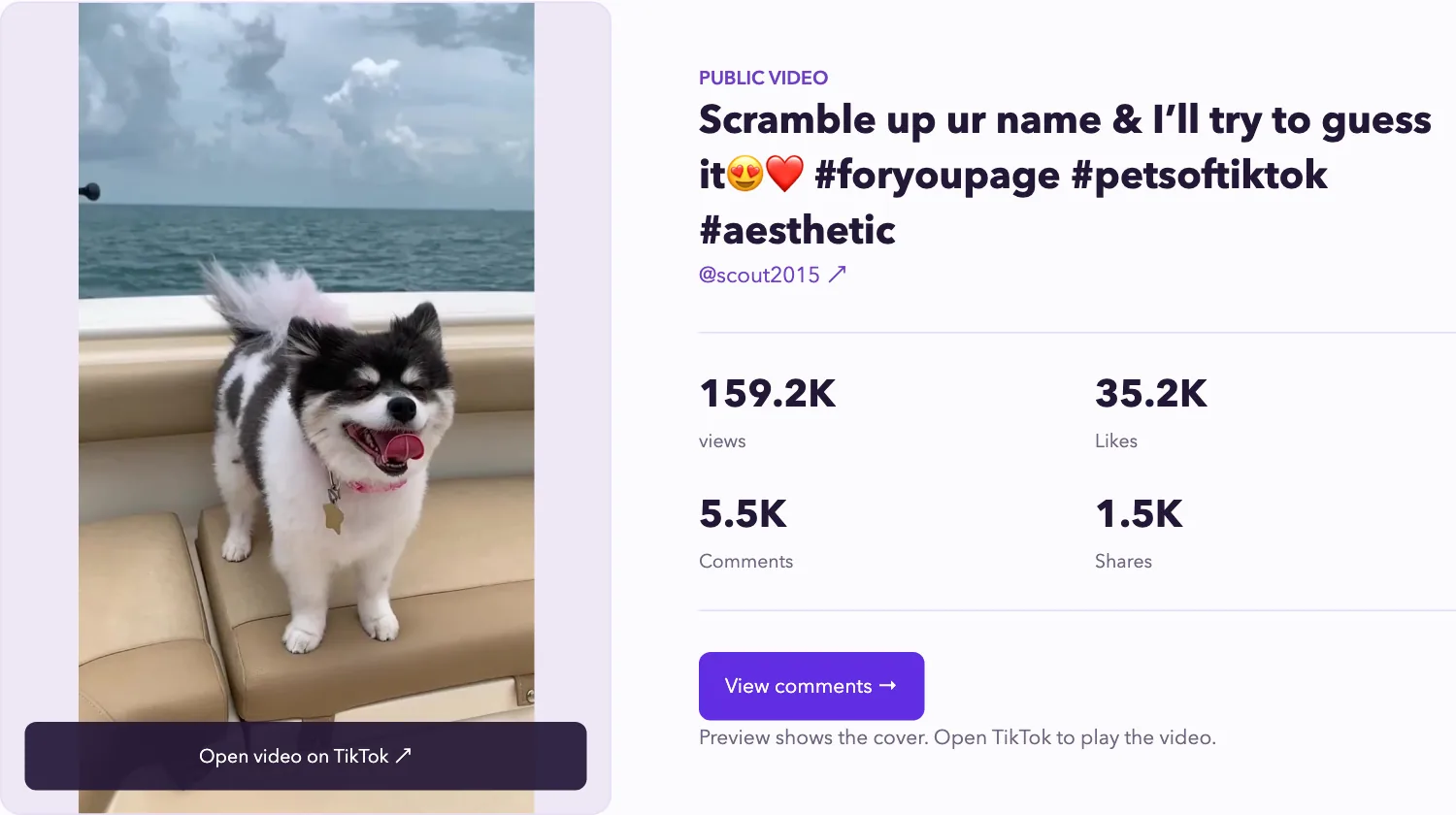
Existing product screenshot illustrating the video preview interface. It is not a live result from today's check and does not demonstrate playback.
The screenshot above shows the earlier image-preview interface. On October 11, 2026, our production check played a public video by 00yakobe00 for a reported duration of 72.097959 seconds at 576 × 1024, and downloaded a 3,890,570-byte MP4. This verifies that sample at that time, not every video. The current public video viewer and downloader shows playback and download controls when media is available; otherwise, use its original-site link. A loaded cover and progressing playback remain separate observations.
What one browser playback check established
On October 5, 2026, we followed WatchWithout's supplied example for a public video by nathanharenice. Its Watch Video action led to the original TikTok web page. A login button was visible, the page showed a 47-second video, and the playback position changed during the check.
That establishes playback for this link in this browser session without a visible signed-in state. It does not establish that every public video plays without an account, that every device behaves the same way or that the view leaves no record. The example also shows why the final destination matters: playback occurred on TikTok, not in the third-party input form.
If your browser instead presents a login requirement or app prompt, retain that result. Do not use a success from another browser or another video to describe your attempt.
Keep accounts, comments and Stories separate
A public account result can provide the returned avatar, bio, metrics and available content. For the existing account workflow, use the public profile and available-video guide. The presence of an account result does not establish access to every tab or content type.
Comments belong to a specific video. The comment viewer guide explains how to confirm the source and interpret returned rows. A capture can be useful without being complete. Reading a handful of replies does not prove that all comments loaded.
Stories are another content type with their own viewing behavior. TikTok's Story reference in its Help Center is a reference for the original platform. An ordinary post list is not evidence that a viewer has retrieved a current Story. Our TikTok Story viewer guide explains the native viewer list, Highlights, privacy limits and our unsuccessful Story retrieval checks.
When a viewer returns nothing
First check that you submitted the right kind of link. Then open the original source and note whether it is available in your current browser. If a profile loads but a video lookup fails, treat those as separate outcomes rather than a contradiction.
A useful note is specific: "The account loaded, but this video lookup failed at this time." "The video has no comments" requires different evidence from "this capture returned no rows." Private, deleted or inaccessible content cannot be recovered just by choosing another viewer label.
Use the result that answers your task: an account record for a profile check, progressing playback for watching, or captured rows for a discussion review. Save the original URL and the date when the distinction matters.